Apple Notes for Business: What It Actually Replaces (and Where It Breaks)
Can you really run a business on Apple Notes? Here’s exactly what works, where it breaks, and when to switch — tested on a real client setup.

So yeah, I’m kinda obsessed with Apple Notes.
Not because it looks fancy, but because it just works.
I use it to plan my entire day, track workouts, write scripts, scan documents, save private stuff, even plan full trips.
No paid apps. No complex tools. Just Notes.
This section is where I drop every single tip I’ve picked up along the way.
You’ll find:
How I turned Notes into my daily planner
How I use Smart Folders + tags to stay organized
My exact journaling setup (screenshots included)
How I use Notes for YouTube, workouts, macros — literally everything
If you’re trying to get more out of the Notes app on your iPhone, this is it.
Real examples. Real screenshots. No fluff.
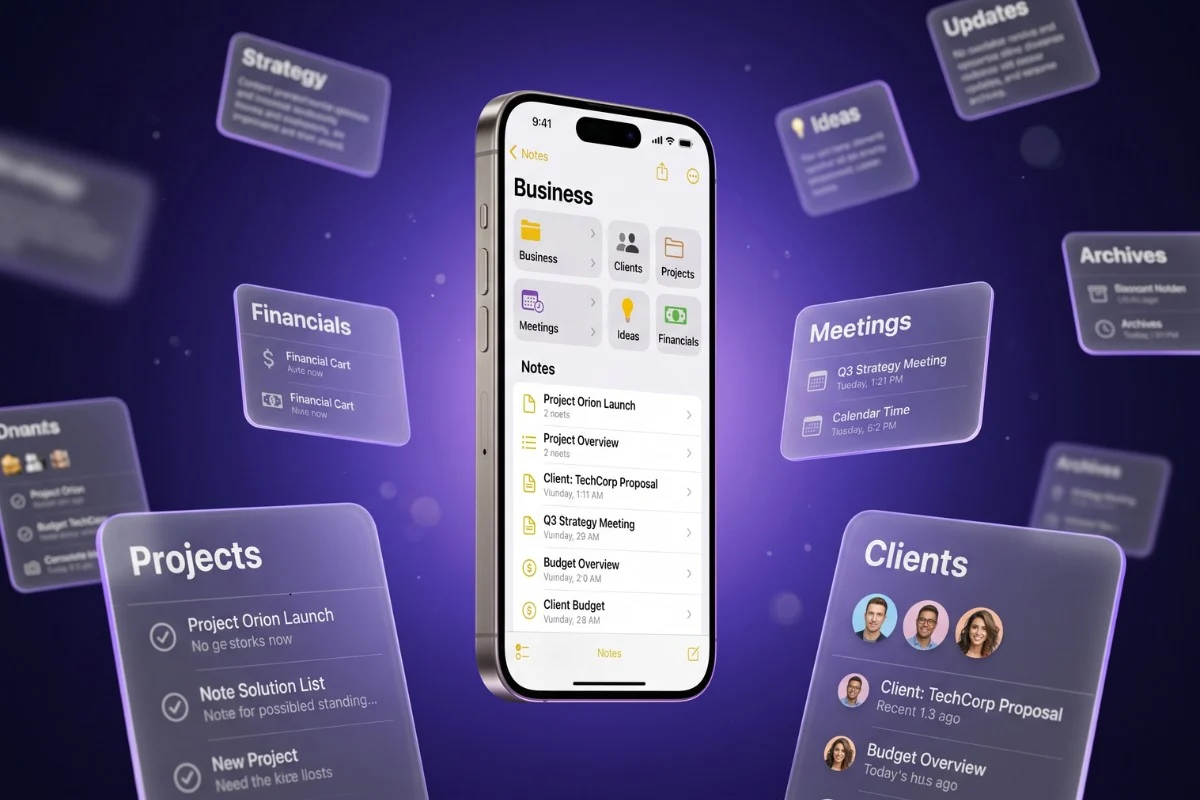
Can you really run a business on Apple Notes? Here’s exactly what works, where it breaks, and when to switch — tested on a real client setup.
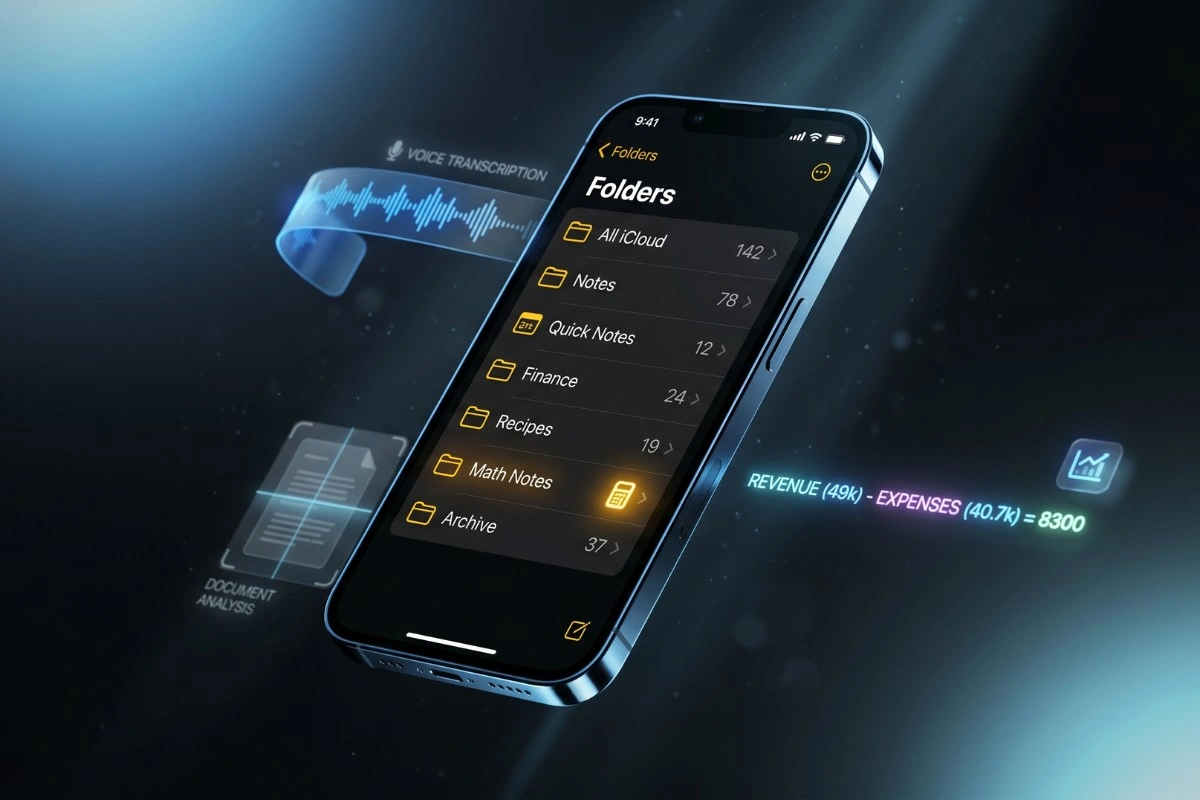
Apple Notes without Apple Intelligence works better than you think. Here’s how I run two businesses on iPhone 13 — including features no one talks about.
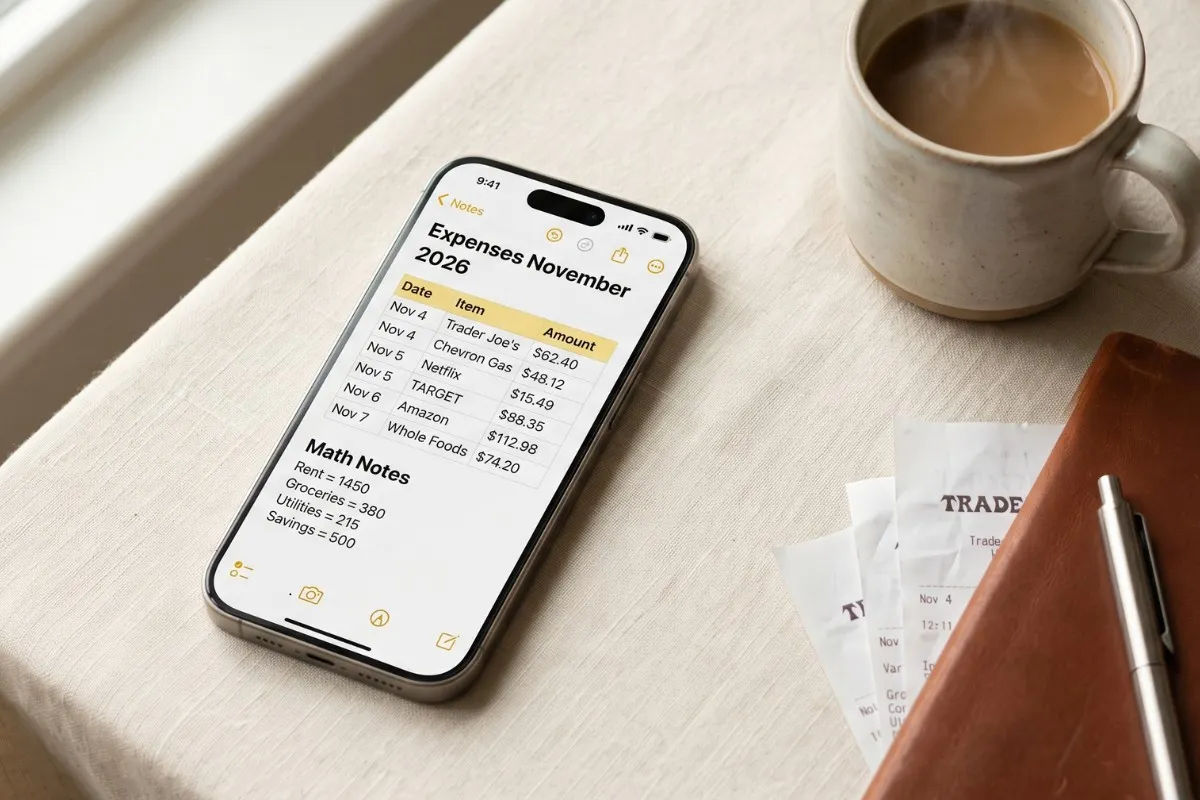
Track expenses in Apple Notes without another app or subscription. Templates, iOS 18 Math Notes, a free Shortcut, and the limitations nobody tells you.
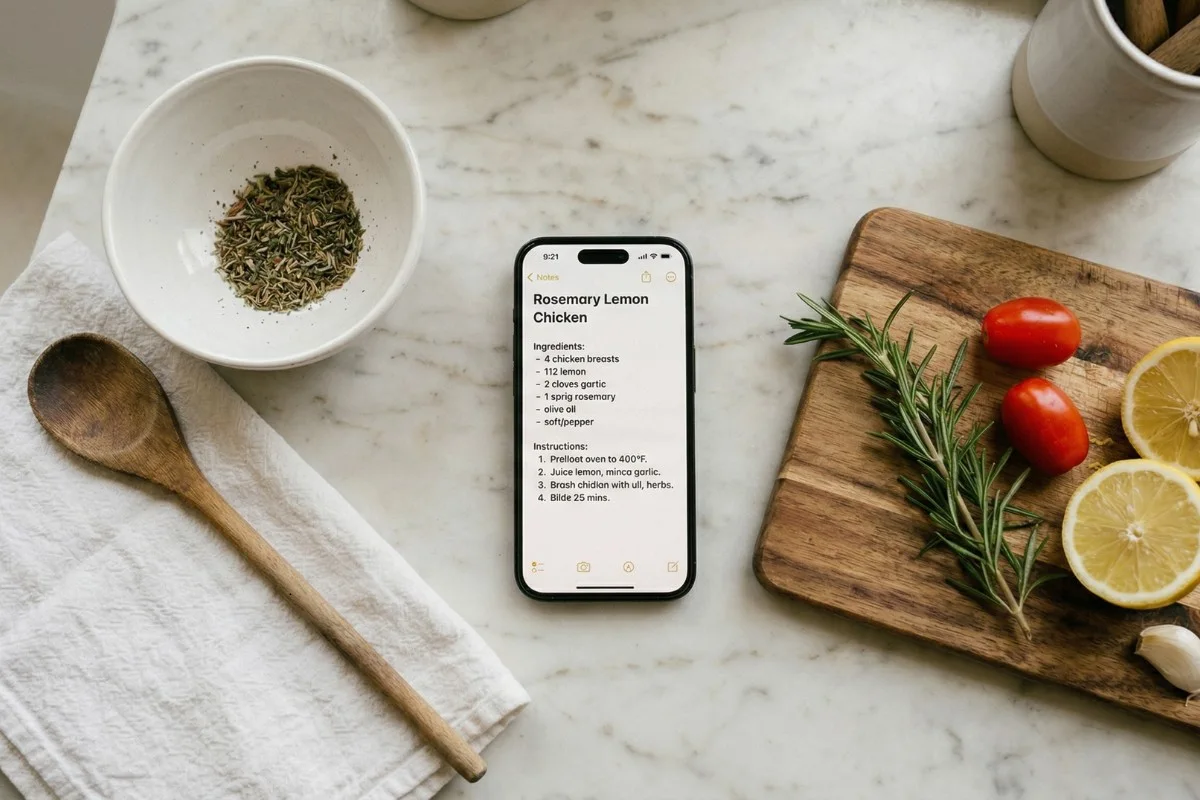
Learn how to use Apple Notes to save, organize, and cook from your recipe collection. Covers folder setup, tags, Smart Folders, web and social media recipe clipping, family recipe digitization, templates, and an honest comparison with dedicated recipe apps like Paprika and Mela.
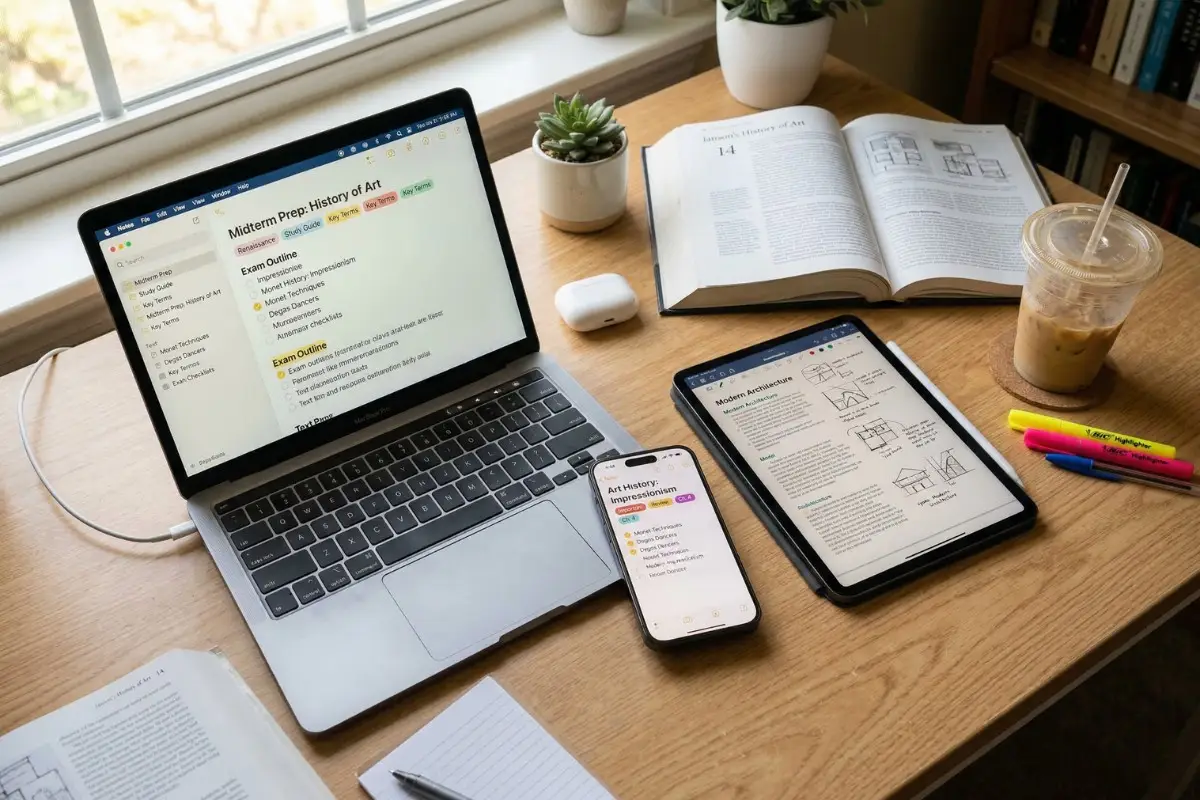
Learn how to use Apple Notes for Students. Organize coursework, record lectures with transcription, study with active recall, and more.
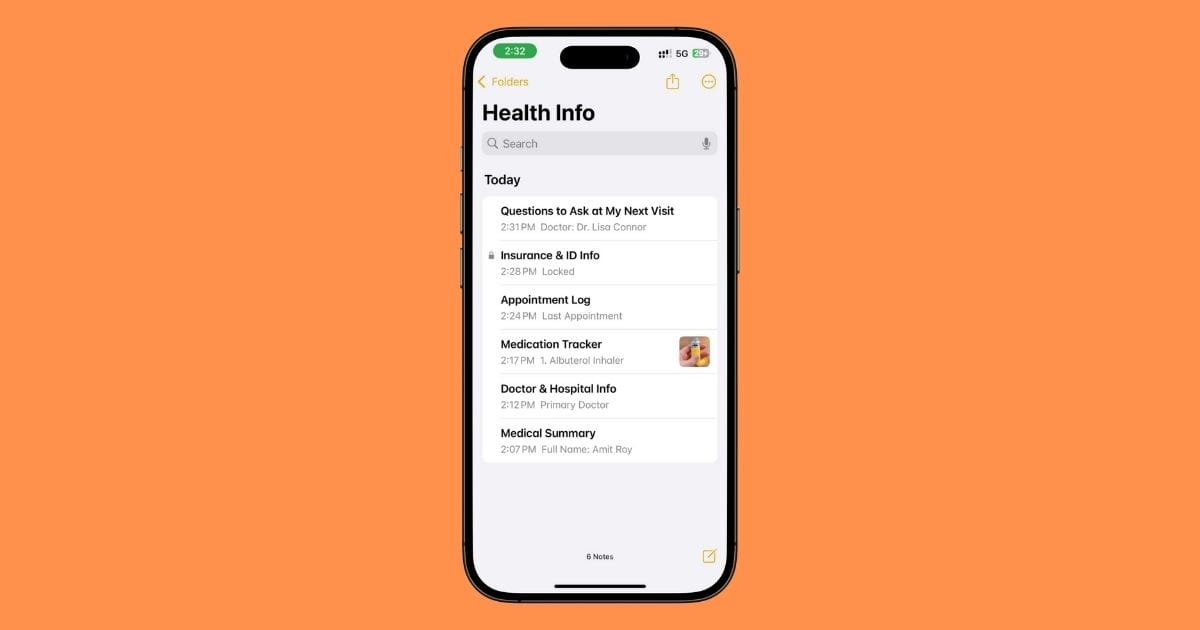
I use Apple Notes to track my health — meds, doctor info, insurance, everything. Here’s exactly how I set it up (with screenshots) so I’m not scrambling at appointments.
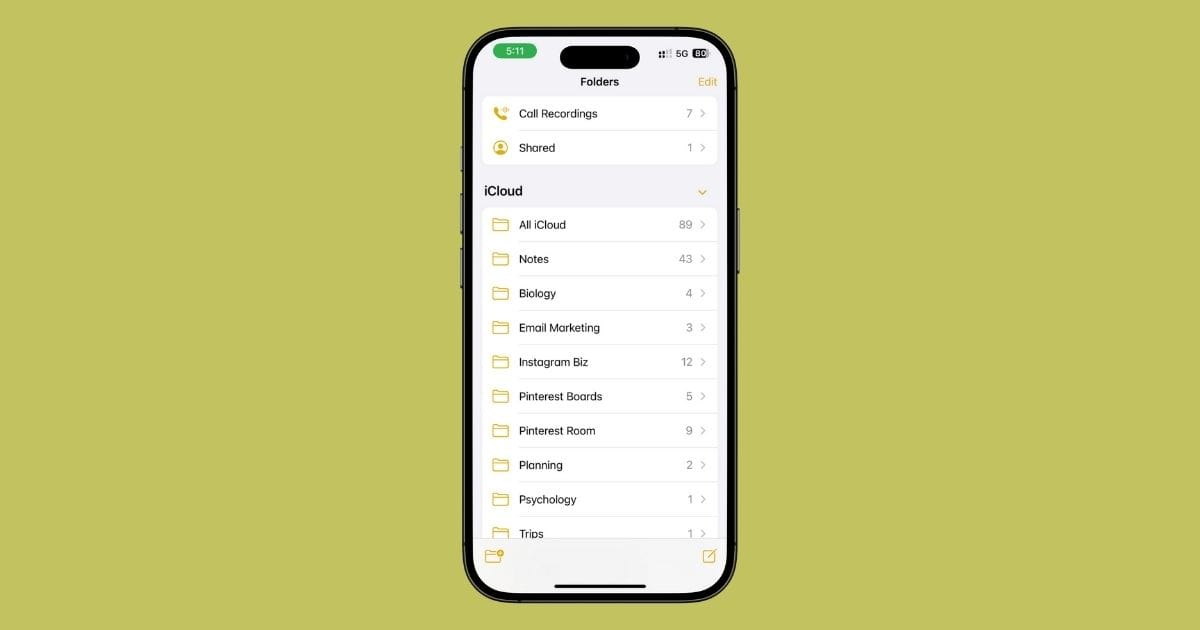
I stopped chasing the perfect notes app and went all-in on Apple Notes — for planning, journaling, workouts, content, even emergencies. Here’s why I never looked back.
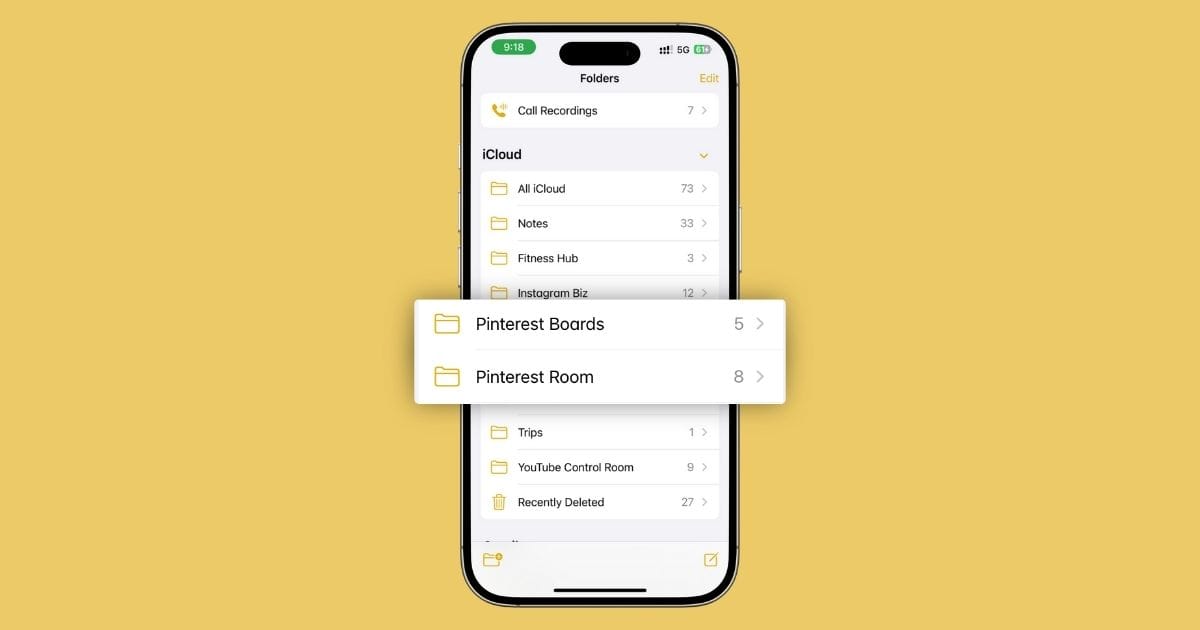
I plan my entire Pinterest strategy inside Apple Notes — pin ideas, weekly schedule, swipe file, even brand deals. Here’s exactly how I do it (and why I’ll never use Tailwind again).

I run my entire Instagram business using just Apple Notes. From content ideas and captions to collabs, launches, and analytics — here’s exactly how I do it (and why I’ll never switch apps again).
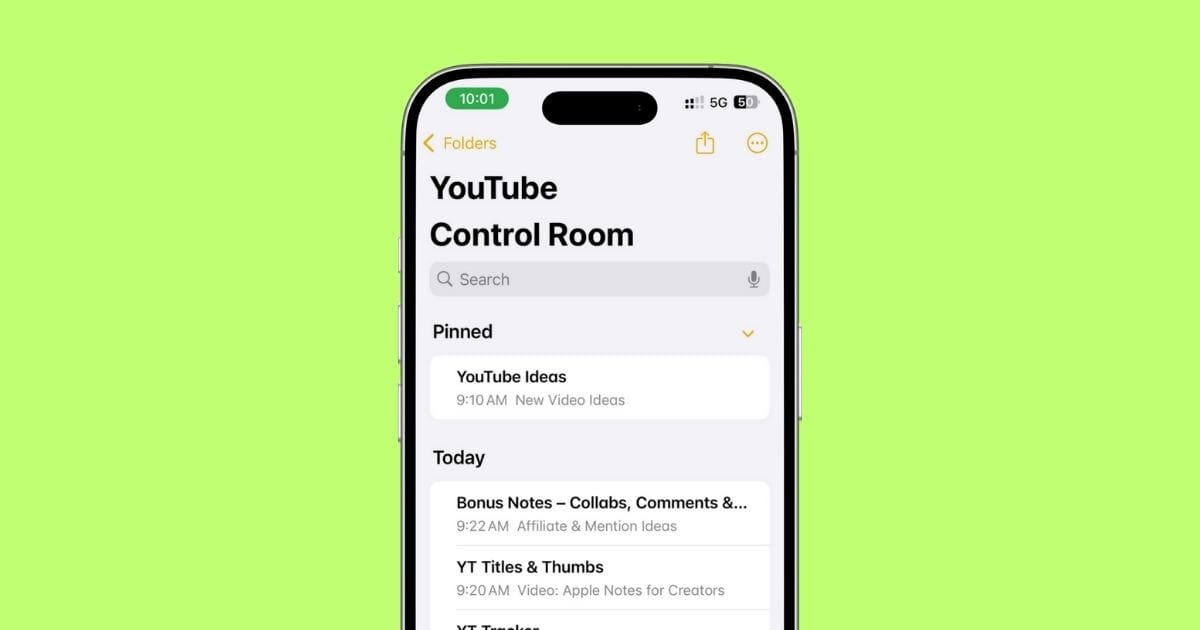
I plan every single YouTube video — ideas, scripts, thumbnails, everything — using just the Apple Notes app. Here’s exactly how I do it (with real screenshots + the setup I still use today).