Top 7 Savings Apps for iPhone Users in 2025
I’m not great at SAVING money, so I let my iPhone do it for me. These apps actually help you save — without overthinking it.

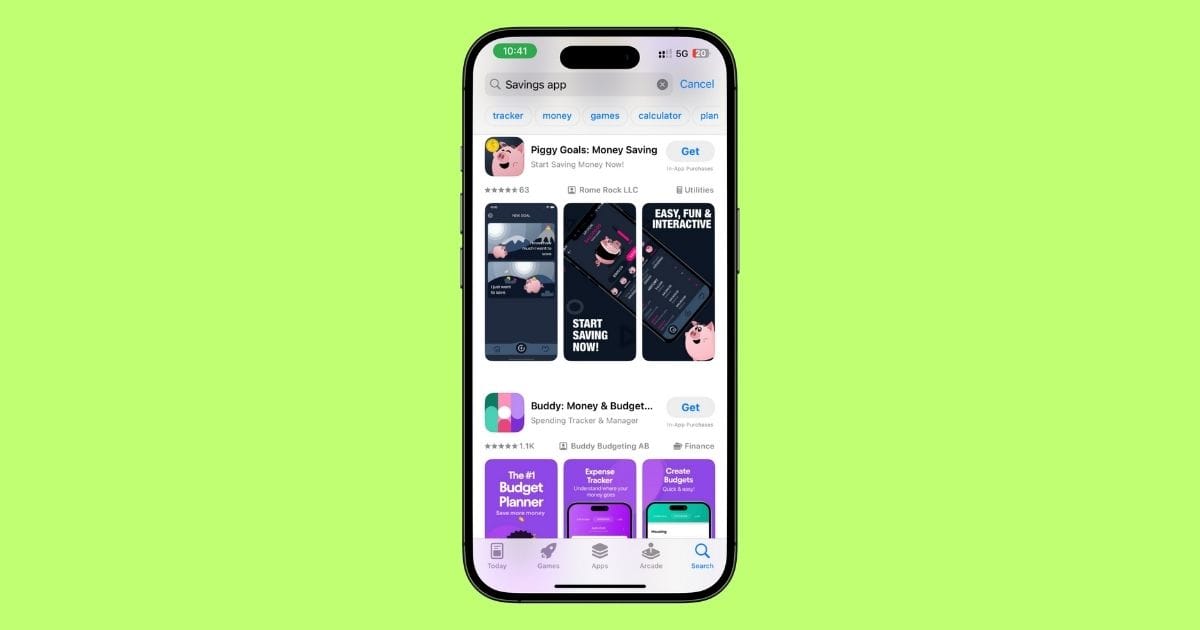
I’m not great at SAVING money, so I let my iPhone do it for me. These apps actually help you save — without overthinking it.
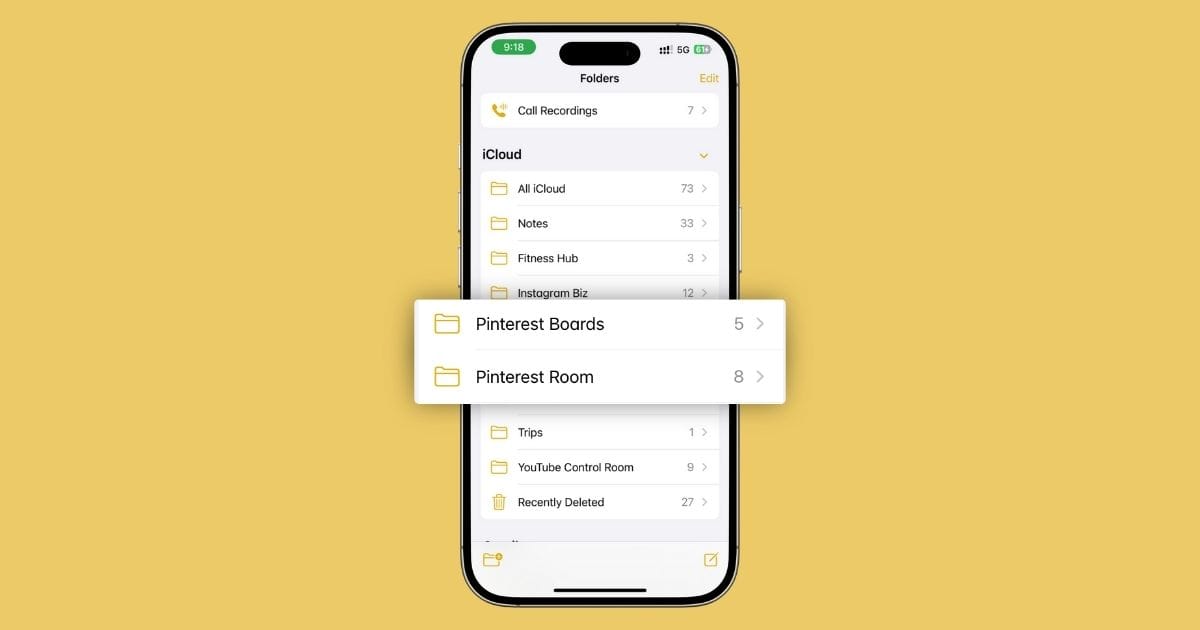
I plan my entire Pinterest strategy inside Apple Notes — pin ideas, weekly schedule, swipe file, even brand deals. Here’s exactly how I do it (and why I’ll never use Tailwind again).

I run my entire Instagram business using just Apple Notes. From content ideas and captions to collabs, launches, and analytics — here’s exactly how I do it (and why I’ll never switch apps again).
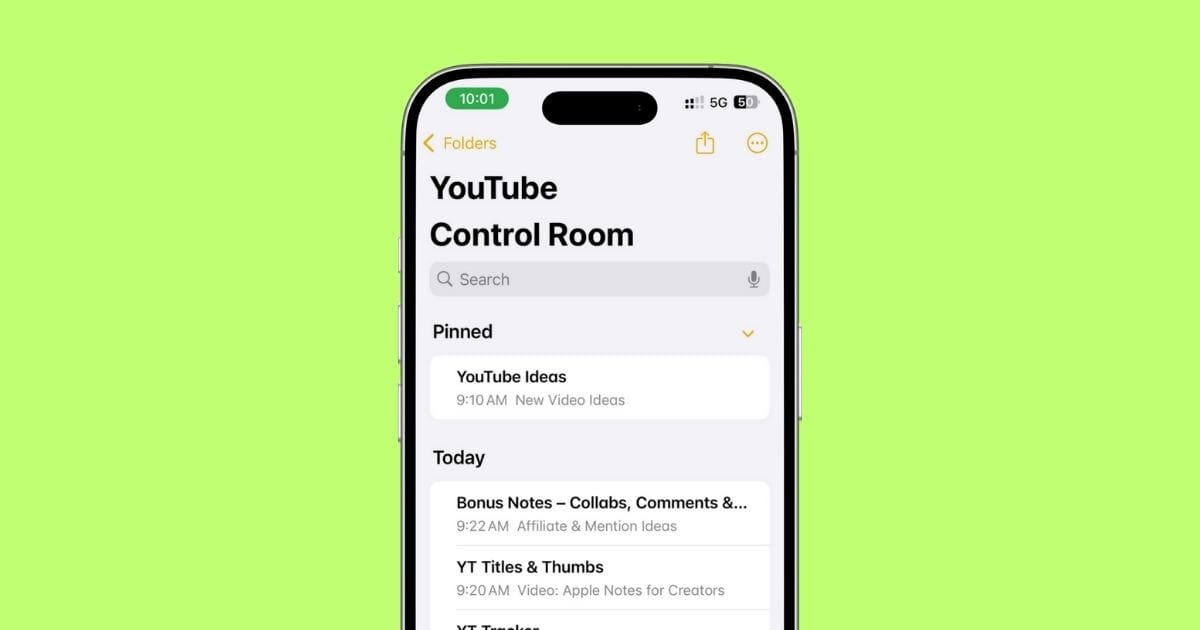
I plan every single YouTube video — ideas, scripts, thumbnails, everything — using just the Apple Notes app. Here’s exactly how I do it (with real screenshots + the setup I still use today).
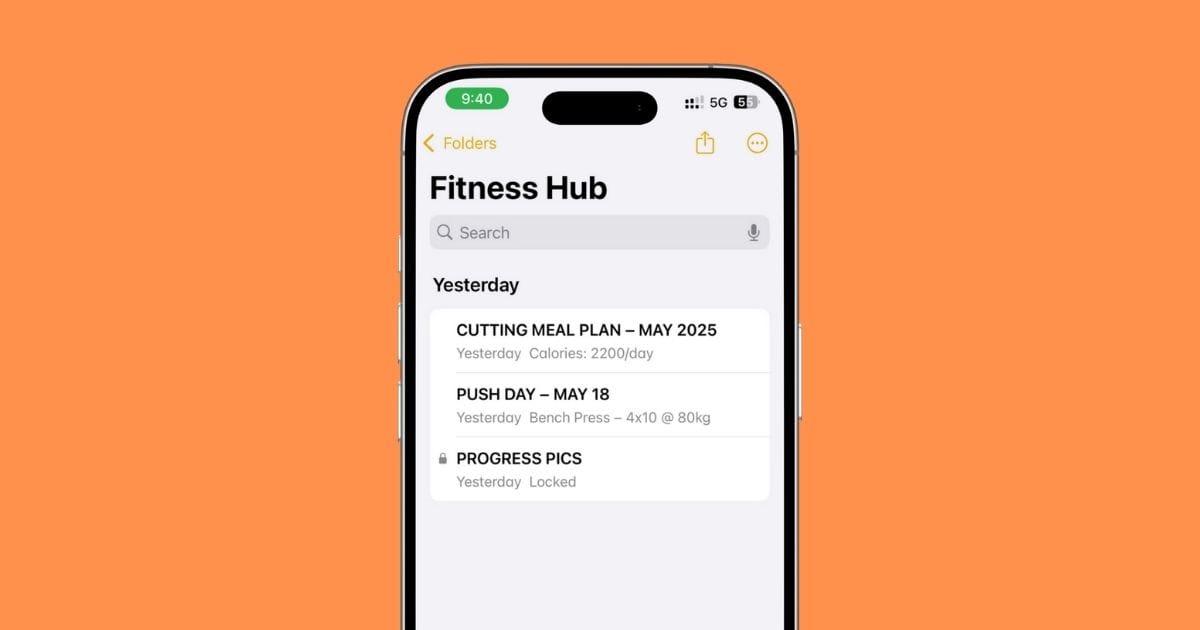
I track my workouts, meals, macros—even progress pics—using just APPLE NOTES. Here’s exactly how I’ve set it up (and why it works better than most apps).
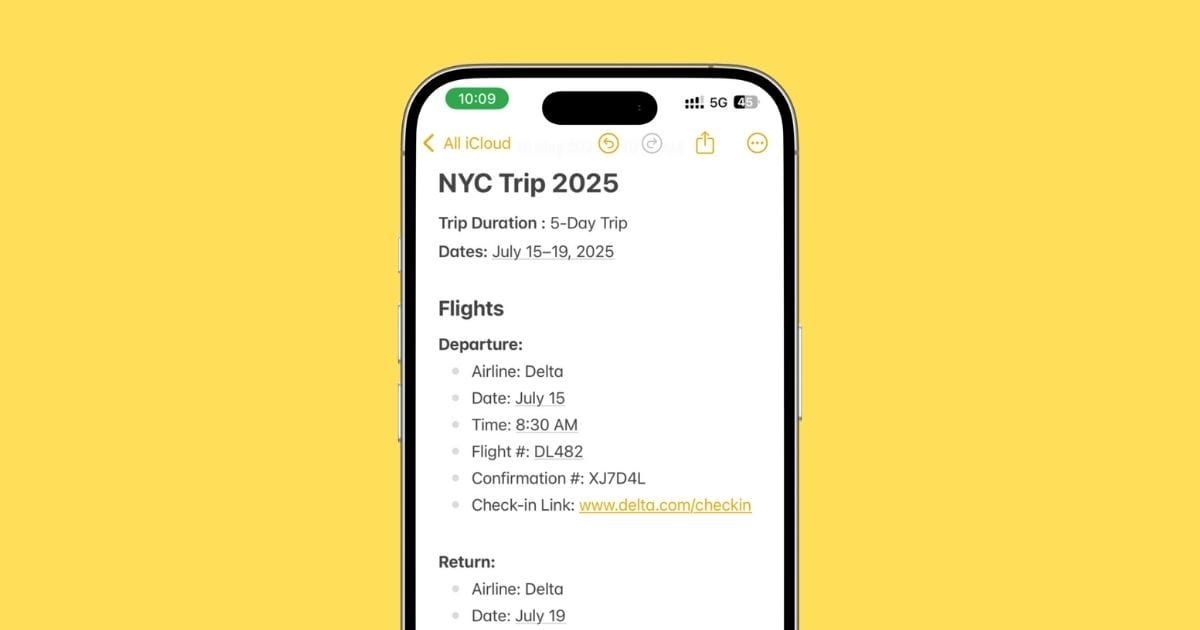
I planned my entire NYC trip using just Apple Notes — flights, bookings, packing list, everything. Here’s exactly how I did it (and why I’d do it again).
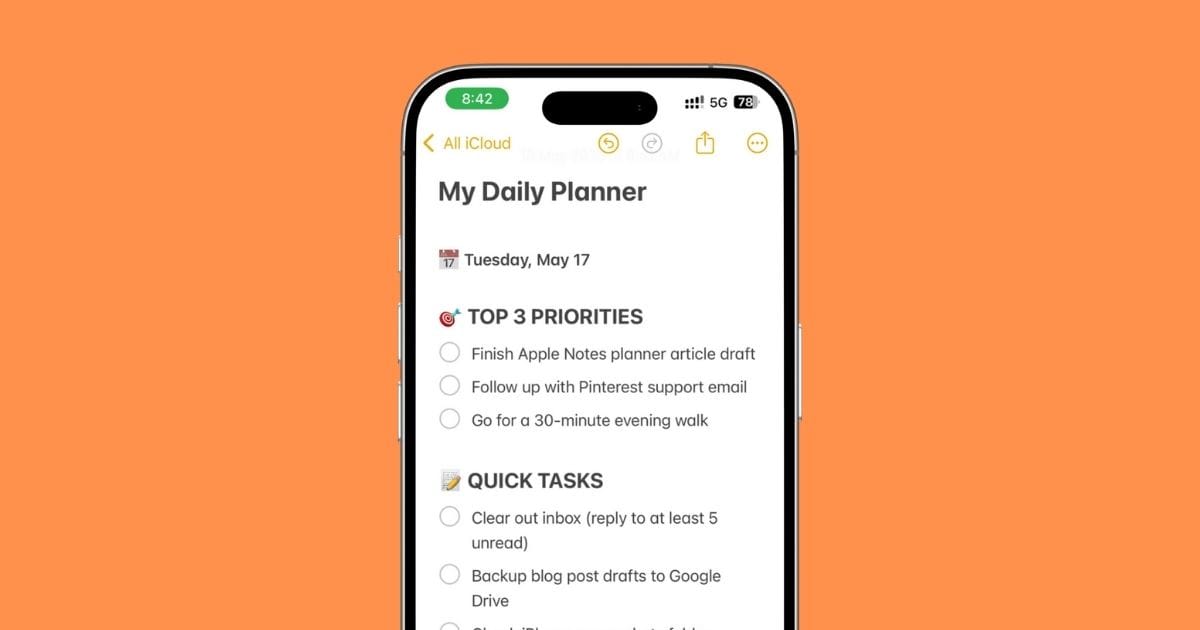
I stopped using fancy planner apps and started using Apple Notes instead. Here’s exactly how I plan my day on iPhone — simple, fast, and surprisingly effective.
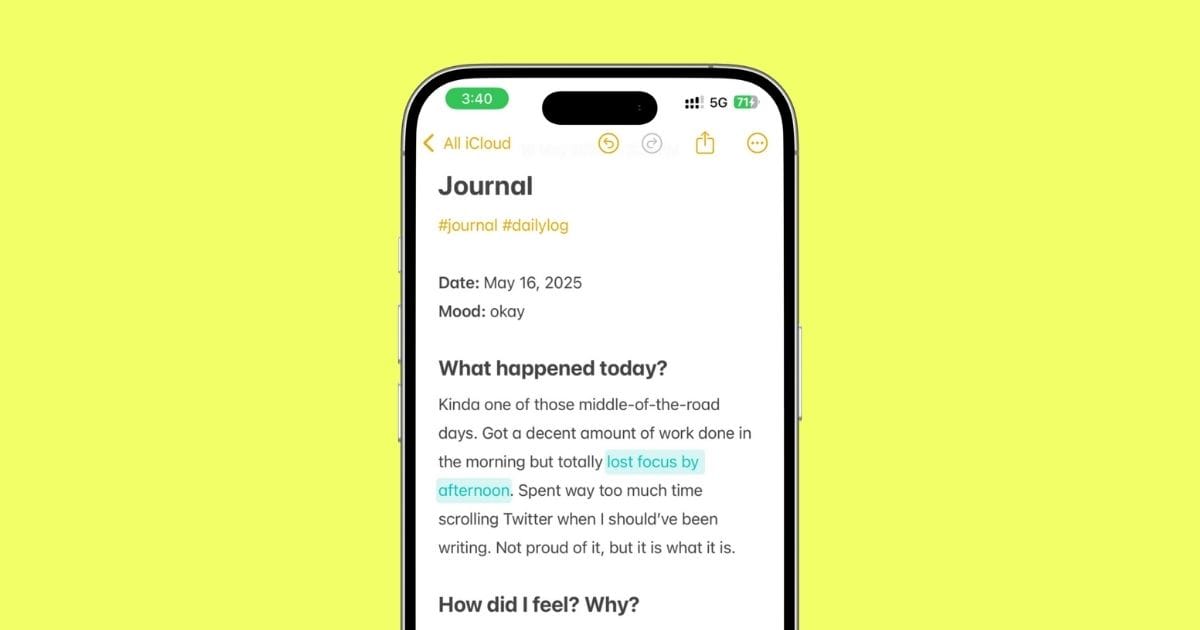
This is how I turned Apple Notes into my go-to journaling space — with templates, privacy tips, and zero fluff. Works better than half the paid apps.
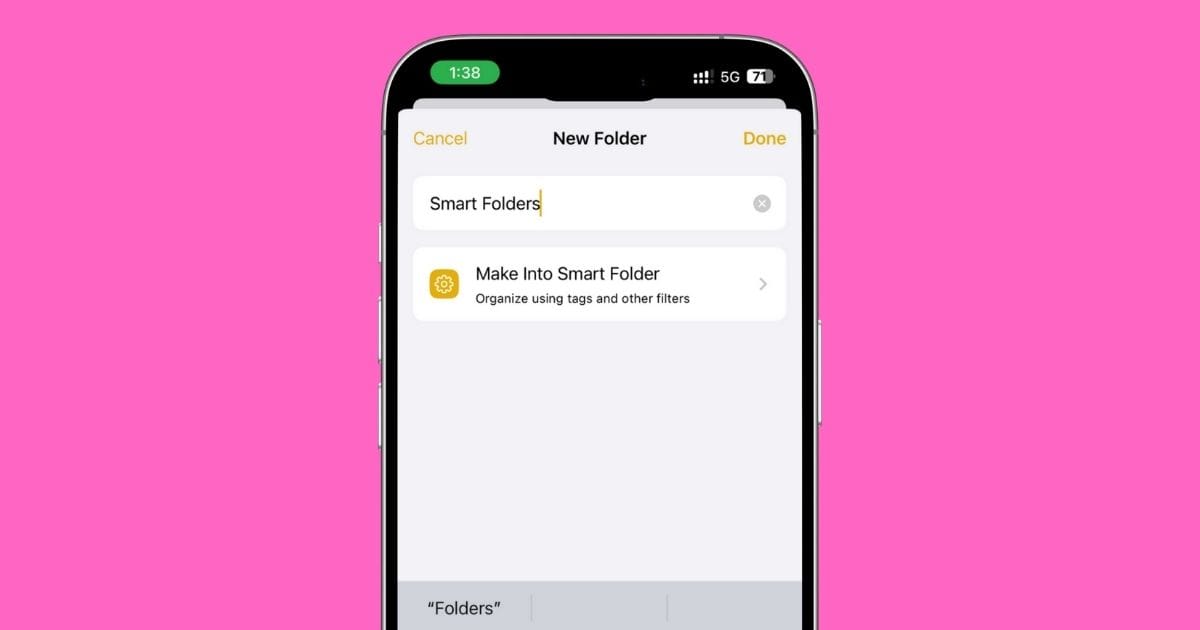
Your Notes app is a mess. Let’s fix that. This guide shows how to use tags and Smart Folders the right way — simple, clean, and powerful.

Anyone who grabs your iPhone shouldn’t be able to read your Notes. Let me show you how to fix that—in under 5 minutes.