Apple Notes Daily Planner: Template + Daily System
One pinned note runs my whole day in Apple Notes. Free template, the evening reset that keeps it clean, and where this system stops working.

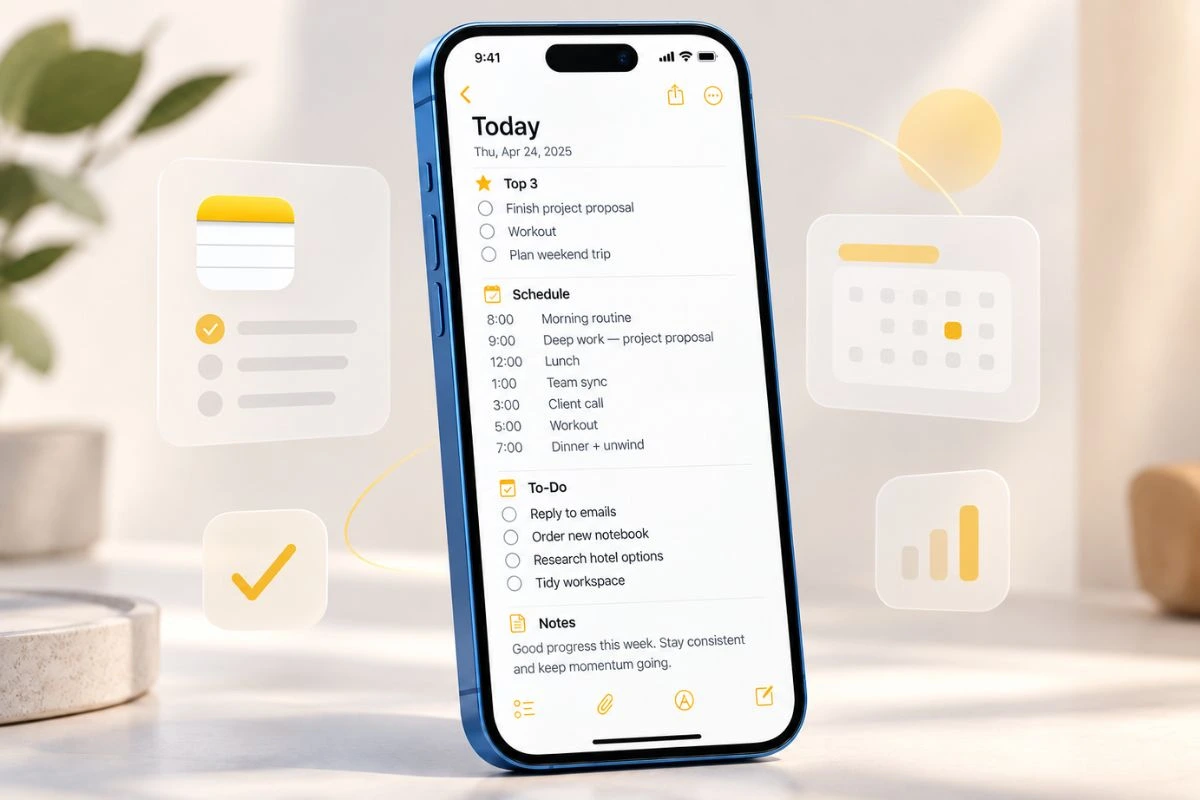
One pinned note runs my whole day in Apple Notes. Free template, the evening reset that keeps it clean, and where this system stops working.
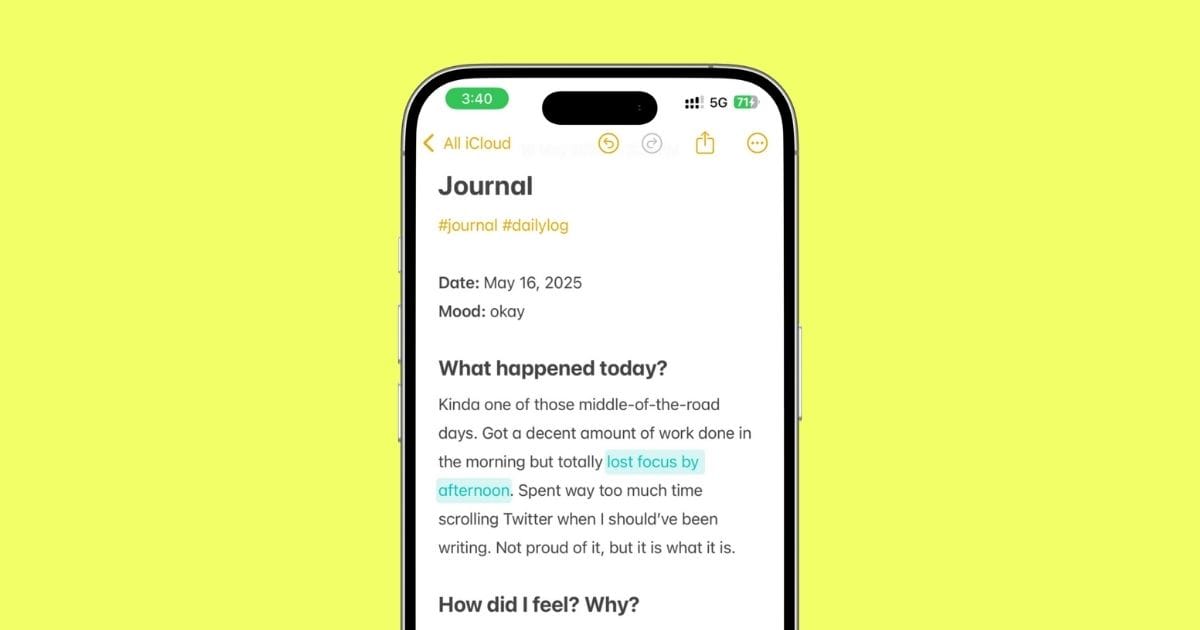
This is how I turned Apple Notes into my go-to journaling space — with templates, privacy tips, and zero fluff. Works better than half the paid apps.
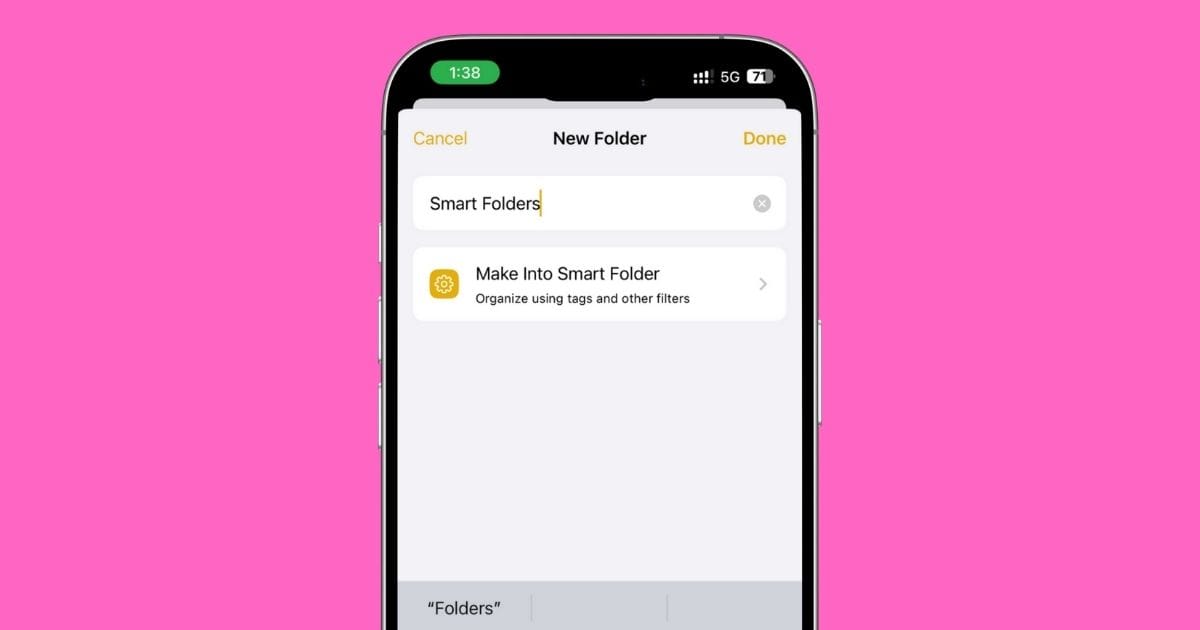
Your Notes app is a mess. Let’s fix that. This guide shows how to use tags and Smart Folders the right way — simple, clean, and powerful.

Anyone who grabs your iPhone shouldn’t be able to read your Notes. Let me show you how to fix that—in under 5 minutes.
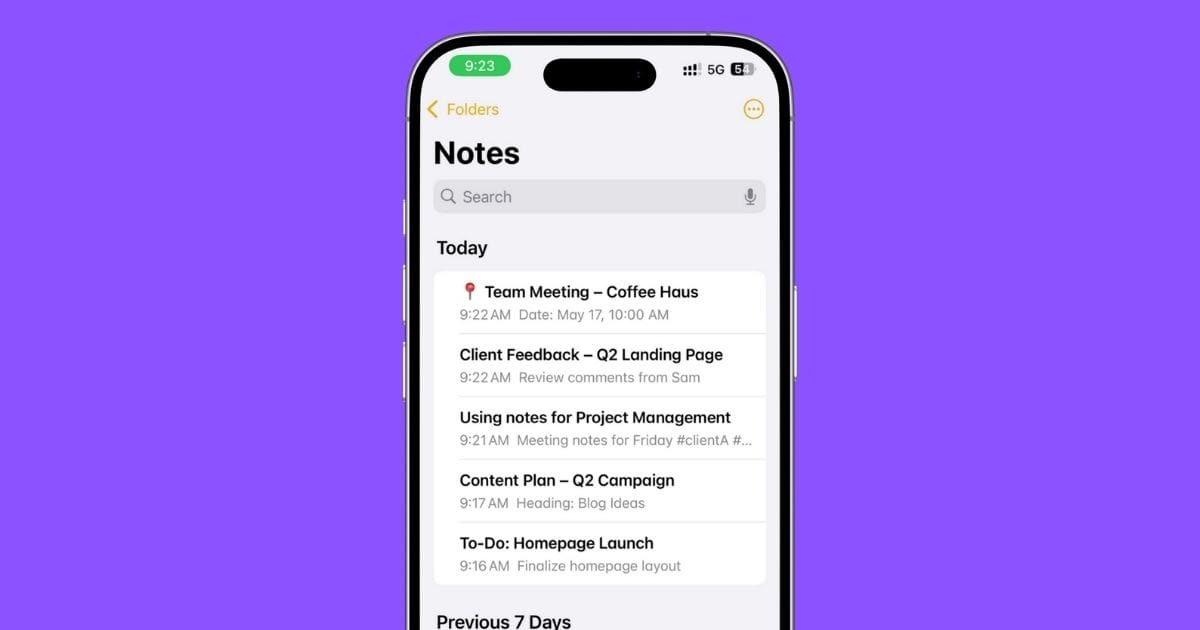
I used to overlook the Notes app for managing projects—until I realized how powerful it actually is. Here’s how you can use it on your iPhone to plan, organize, and stay on track without extra apps.
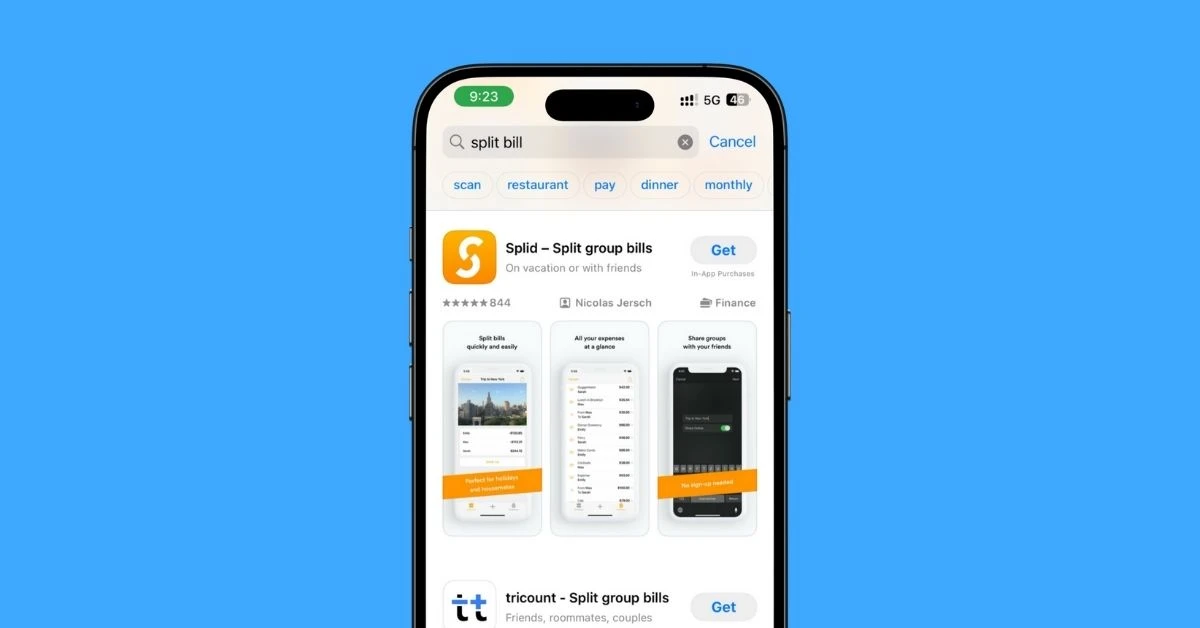
I’ve tried a bunch of bill-splitting apps, and these are the ones that actually make it easy to split rent, dinner, or trip costs with zero drama — all from your iPhone.
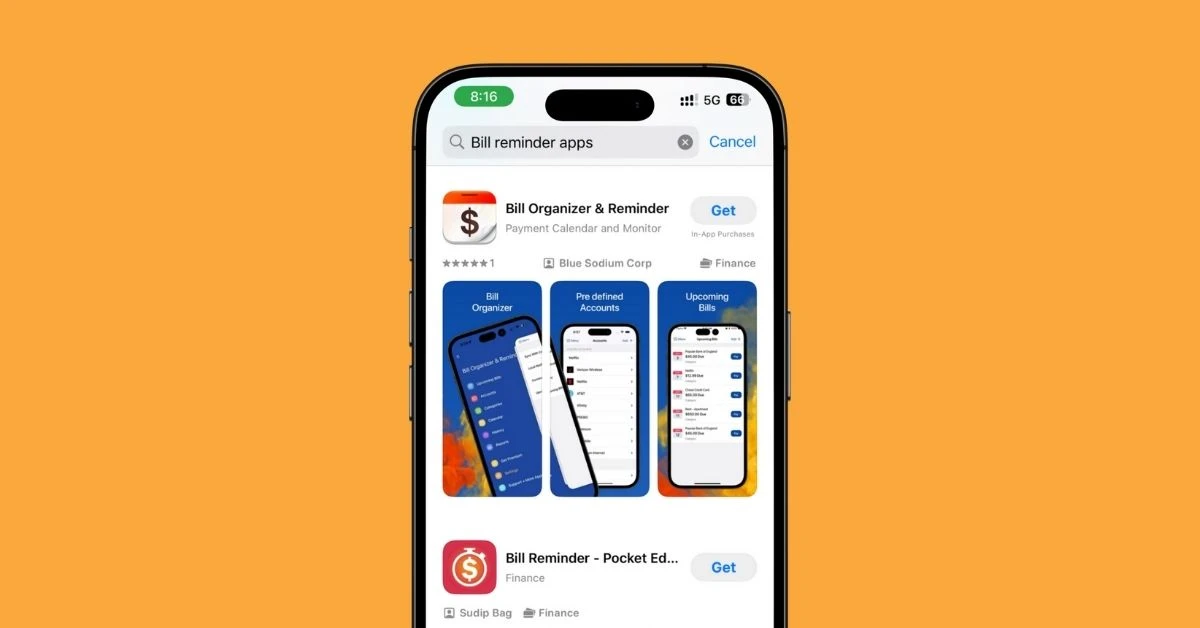
I tried a bunch of bill reminder apps for iPhone, and these 5 are the ones that actually help you stay on top of payments, avoid late fees, and keep things simple in 2025.
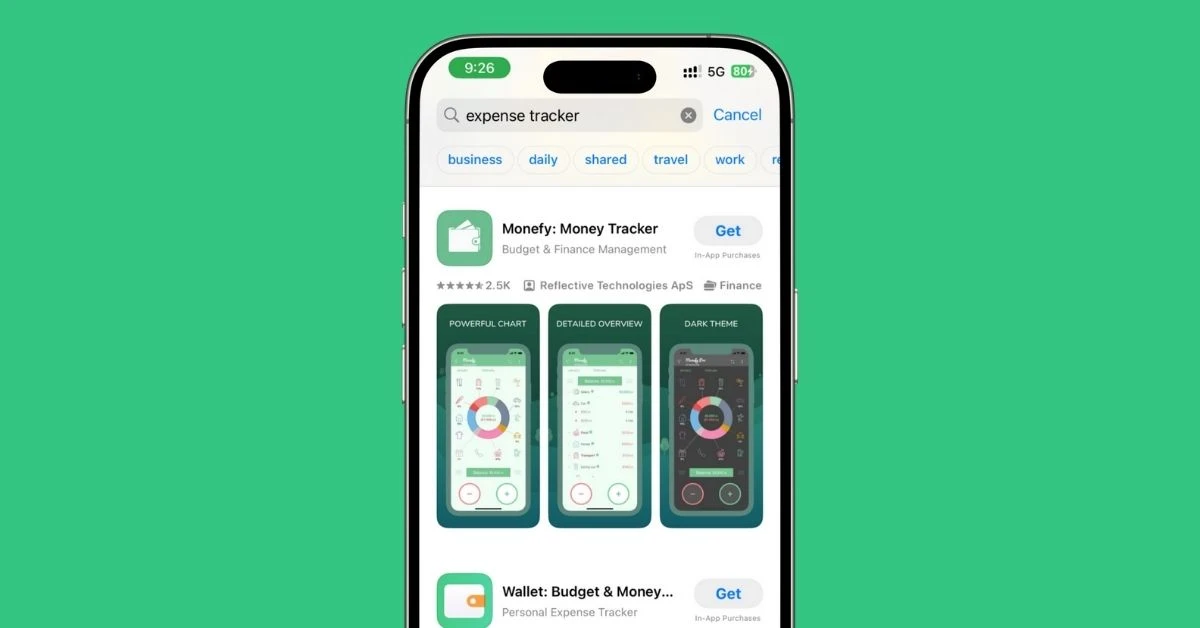
I tested the best expense tracker apps for iPhone to see which ones actually help you manage money better. Here are 7 apps that truly get the job done in 2025.
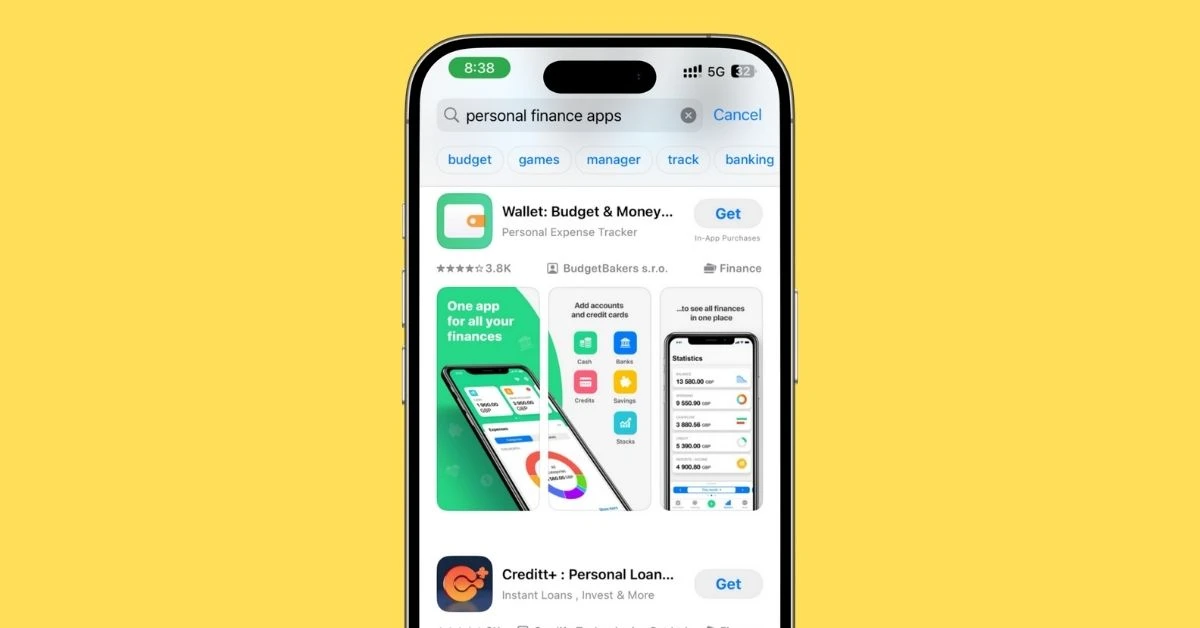
I tested the top personal finance apps for iPhone in 2025. Here are the 7 that actually help you budget, track spending, cancel subs, and grow your money.

I’ve tested a bunch of real estate apps over the years, and honestly, only a few of them actually make your home search easier. So I broke everything down into 15 real-life use cases — buying, renting, off-market deals, school ratings, interior design, and more. Here’s the exact app you should use for what you’re trying to do.